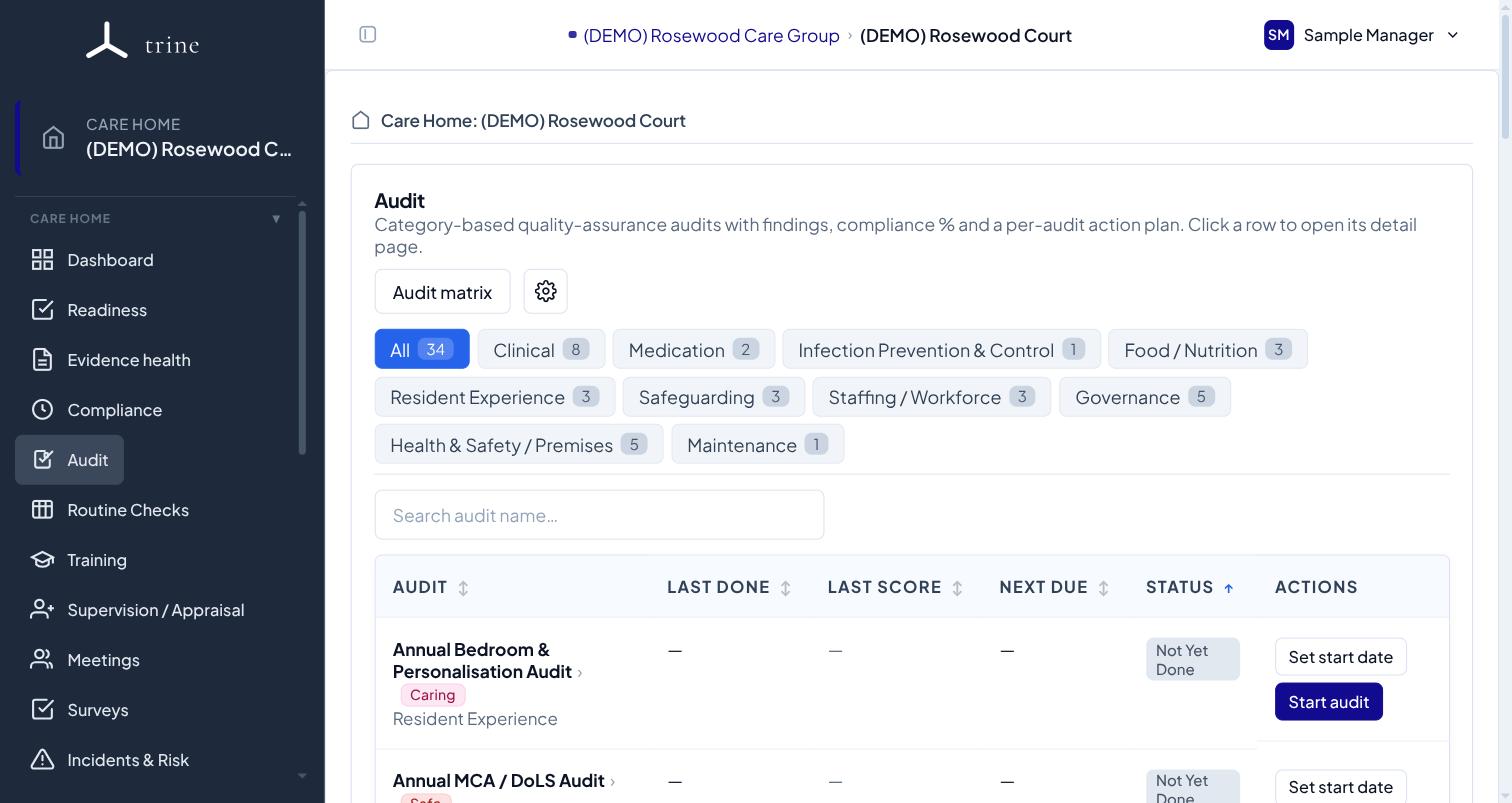
Trine's Audit tool is where you run structured, recurring quality-assurance audits and track their findings.
How to
- Compliance splits Documents (certificates, policies, registers, with upload and expiry) from Audits (recurring checks you attest with a template).
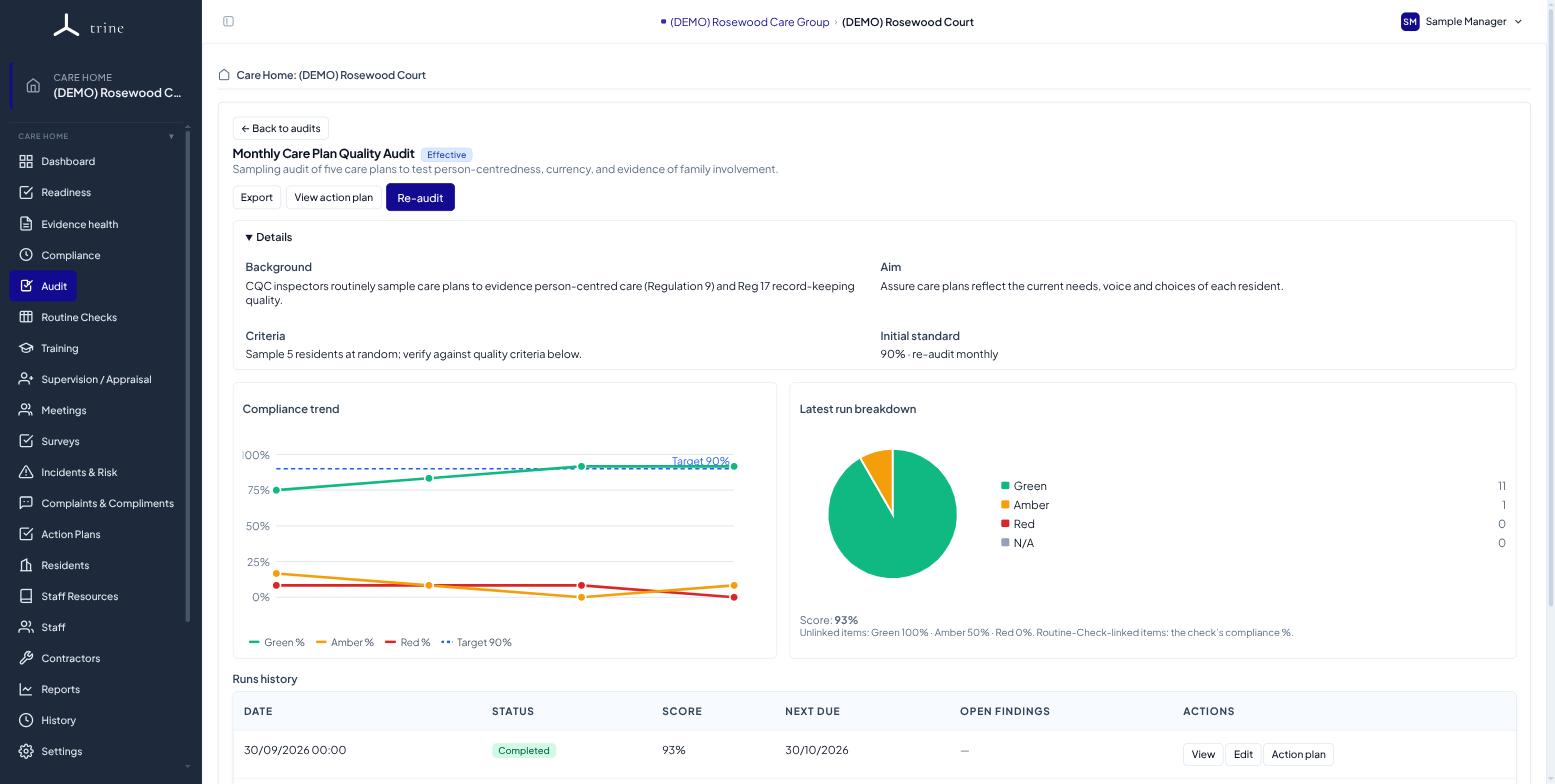
- The Audit Tool runs category-based QA audits (Clinical, Medication, IPC, Governance, Health & Safety), scores each run, and tracks findings.
- The summary cards show Completion, Due soon, Overdue and Findings without an Action Plan. Click a card to filter the list.
- From a finding, Create Action Plan sends it to Action Plans. Managers can do this for any audit; staff allocated to an audit can do it for that audit's findings.
Tip: Compliance "Audits" (attestation) and the "Audit Tool" (scored QA audits) are different. Use the Audit Tool for structured walk-rounds and checklists.
Related: Compliance documents · Audit settings · Action Plans