Who can use it: care-home managers and administrators (allocated people see their own items).
Where to find it
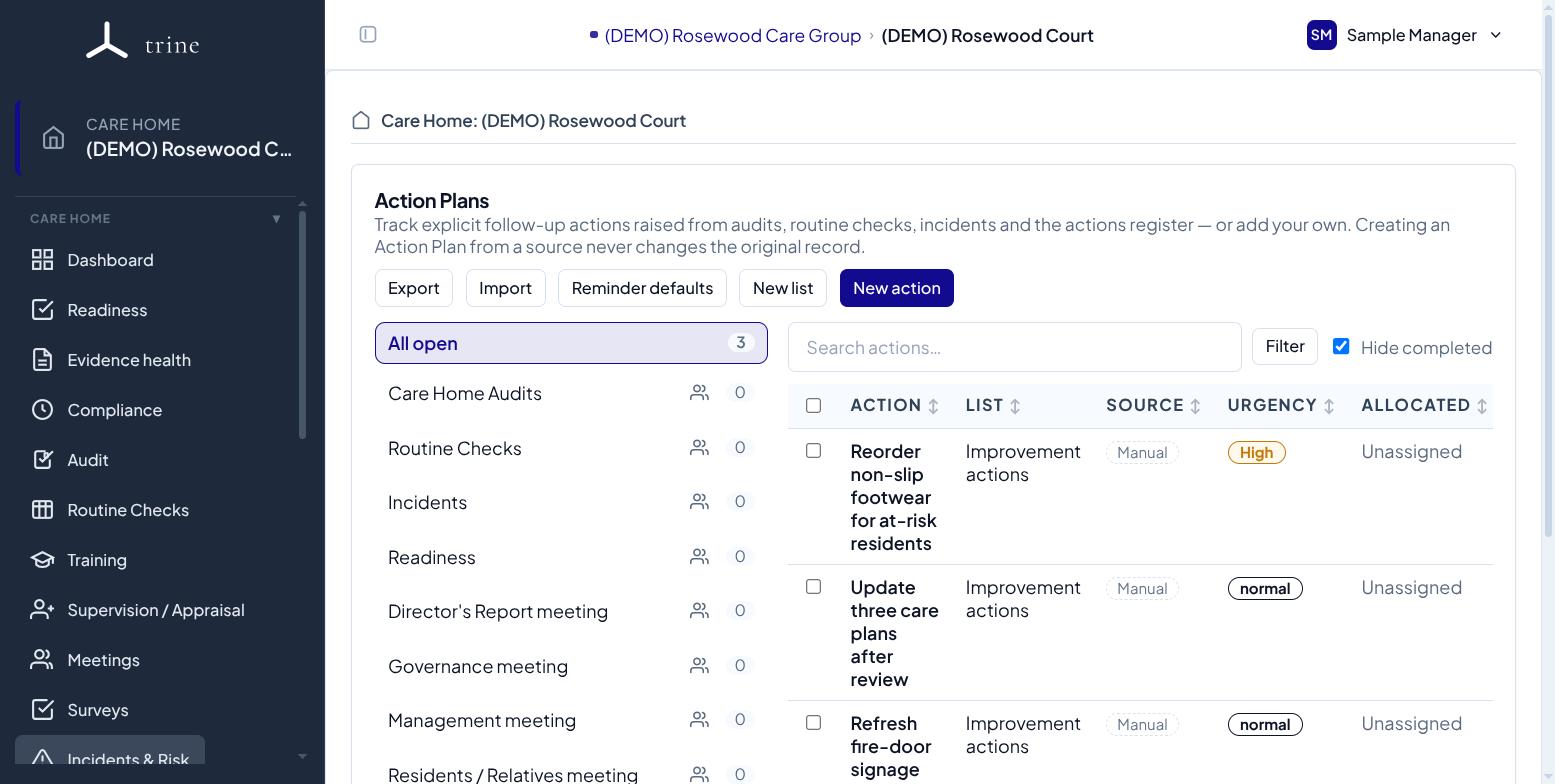
Open the Action Plans menu inside a care home.
How to
- Send an audit finding, a failed routine check, an incident, a supervision agreed action or an existing action into Action Plans — the original record stays where it is — or add a standalone item.
- Give each item a title, task detail, target date, urgency, and one or more owners (a person or a role).
- Track progress through its status, comments, attachments and activity history. "Completed" is a view, so nothing is lost when an item is finished.
- Turn on email reminders (one-off or recurring until done) to nudge the people allocated.
Summary cards
The cards at the top show Active, Open, In progress, Overdue and No target date. Managers see the whole home; everyone else sees the items allocated to them. Click a card to filter the list.
Good to know
- By default one allocated person completing an item finishes it. Tick Require everyone to complete when each person must do their own part — the item then shows progress such as "2 of 3 completed".
- Allocated items also appear in each person's My Actions, where you can filter by where they came from (for example Audit).
- Needs triage flags issues that don't yet have a plan. If an issue was already dealt with, you can dismiss it with a reason instead of creating a plan.
- You can export all action plans to a spreadsheet, and import new standalone items in bulk (preview first, all-or-nothing).
Related: Routine checks · Audits and Compliance · Actions and My Actions