Who can use it: managers and administrators manage the register; any staff member can submit a report (see Reporting a concern or feedback).
Where to find it
Open the Incidents & Risk menu inside a care home.
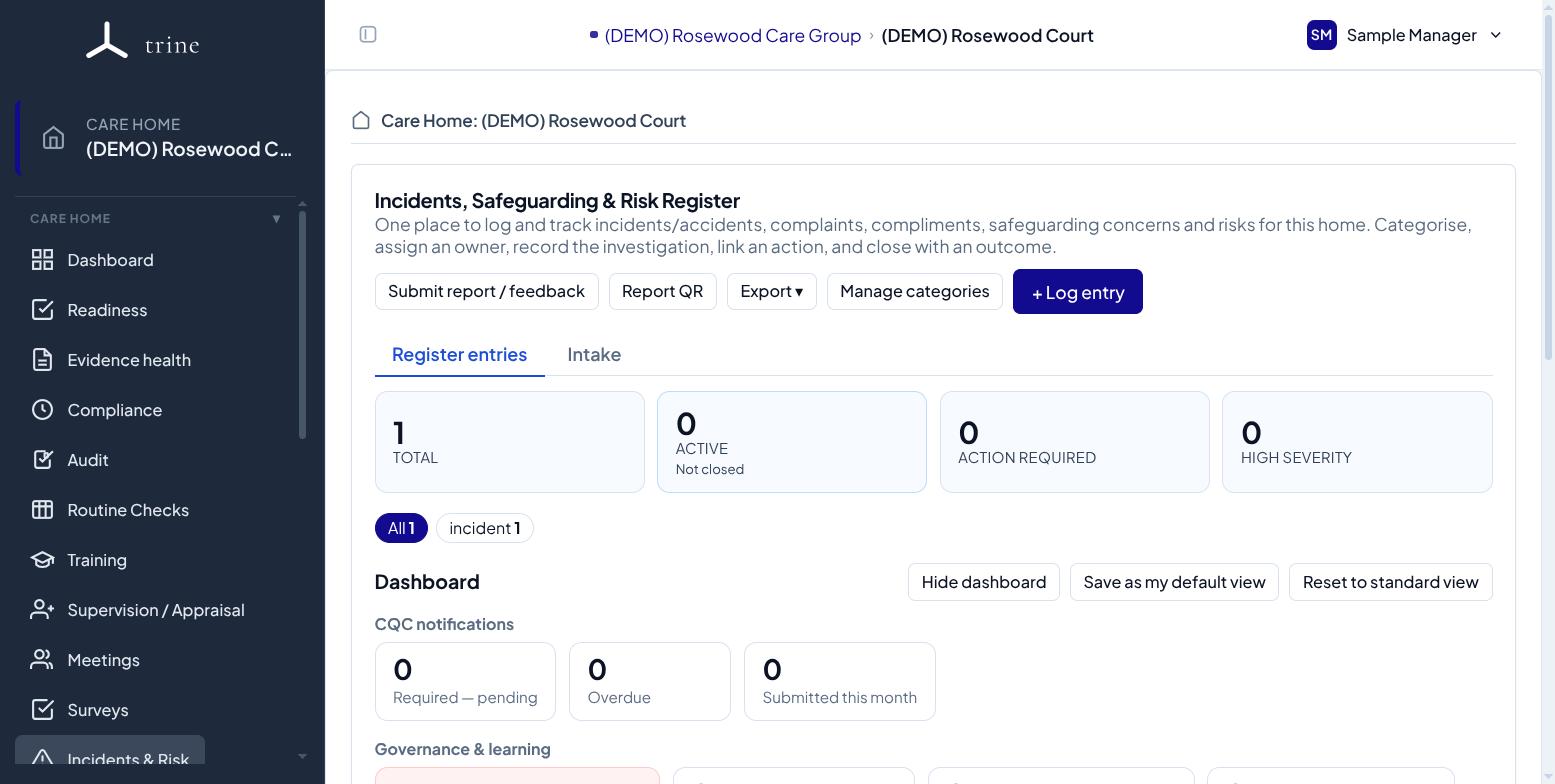
How to
- Log an event and choose its type (incident or accident, safeguarding concern, risk, or other). Add the time it happened if you know it — it's optional, and a time in the future isn't accepted.
- Categorise it and set a severity. The owner defaults to you when you're able to own it; change it or leave it unassigned if needed.
- Record the investigation and immediate action, and track the status from open through to closed.
- Close the entry with an outcome. You can raise a linked Action Plan to manage any follow-up.
Exporting
Use Export to download the register for a date range:
- Excel — one sheet per category, with dates and times as real spreadsheet values.
- CSV — the raw data, including the event time.
- PDF — a printable summary, with or without graphs.
Good to know
- You can log an event with just the basics and complete the investigation and outcome later; closing requires an outcome.
- You can attach source documents (for example an incident form or witness statement), link the people involved, record whether a CQC statutory notification is needed, and capture lessons learned at closure.
- Trine records your entries only — it never submits notifications to CQC on your behalf.
Related: Complaints and compliments · Reporting a concern or feedback · Action Plans