Who can use it: care-home managers and administrators. Available on Professional and Enterprise.
Where to find it
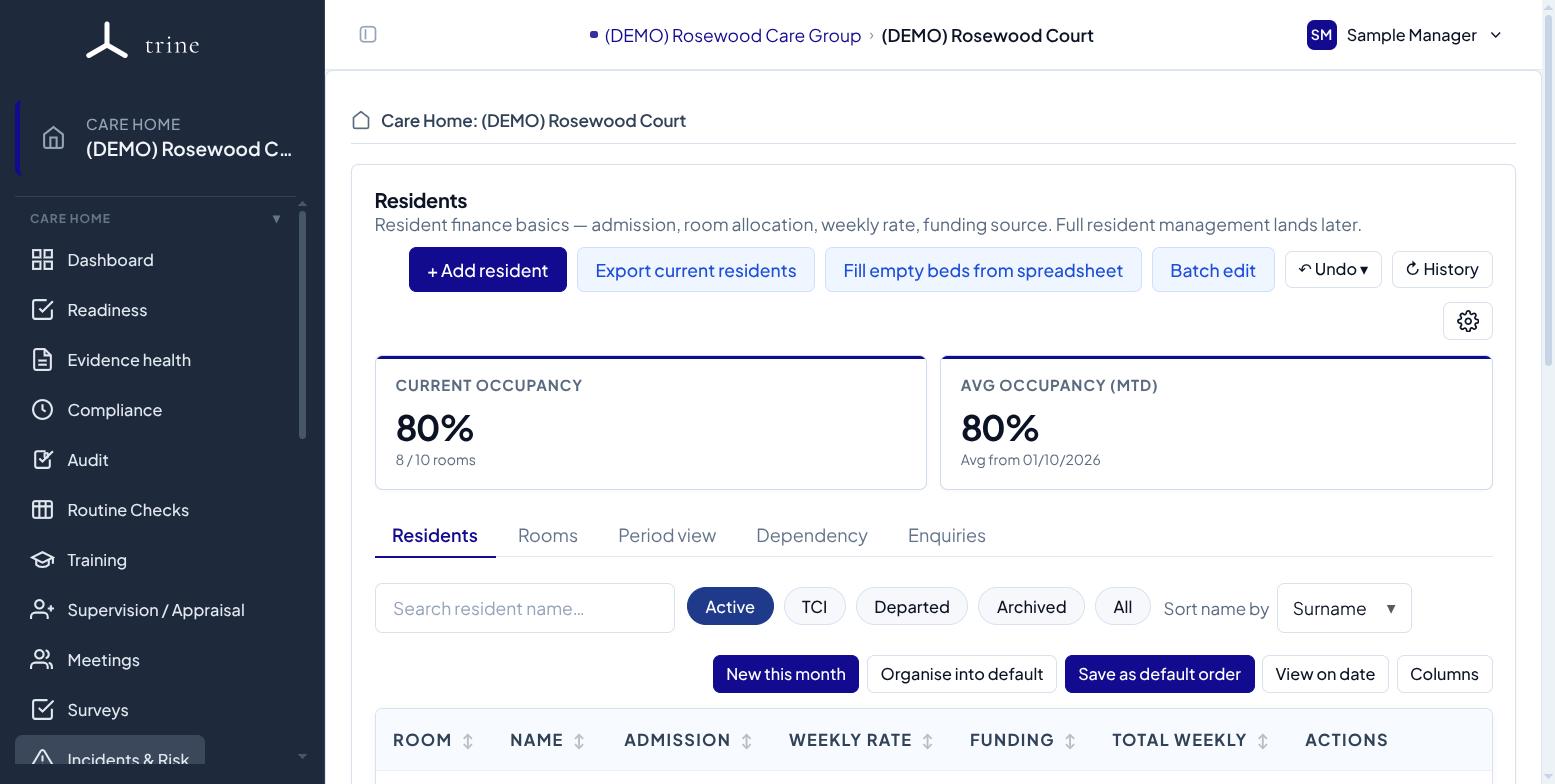
Open the Residents menu inside a care home.
How to
- Set up your bedrooms first (see Room configuration).
- Add a resident with their admission details and allocate them to a room, with weekly rate, funding source and FNC where you track finance.
- Use Make adjustment for room moves, rate changes or funding changes — each becomes a dated, history-preserving change; use Correct error for typo fixes.
- Open a resident's profile for their identity card, today's state and full allocation history.
What to expect
The dated model lets occupancy and income reports read the correct snapshot at any date. You can also fill empty beds from a spreadsheet and export a review-only snapshot.
Important
Finance figures respect finance-reporting visibility — staff without it won't see monetary values.
Related: Room configuration · Occupancy and finance