Who can use it: managers manage training; staff can upload their own certificates. Available on Professional and Enterprise.
Where to find it
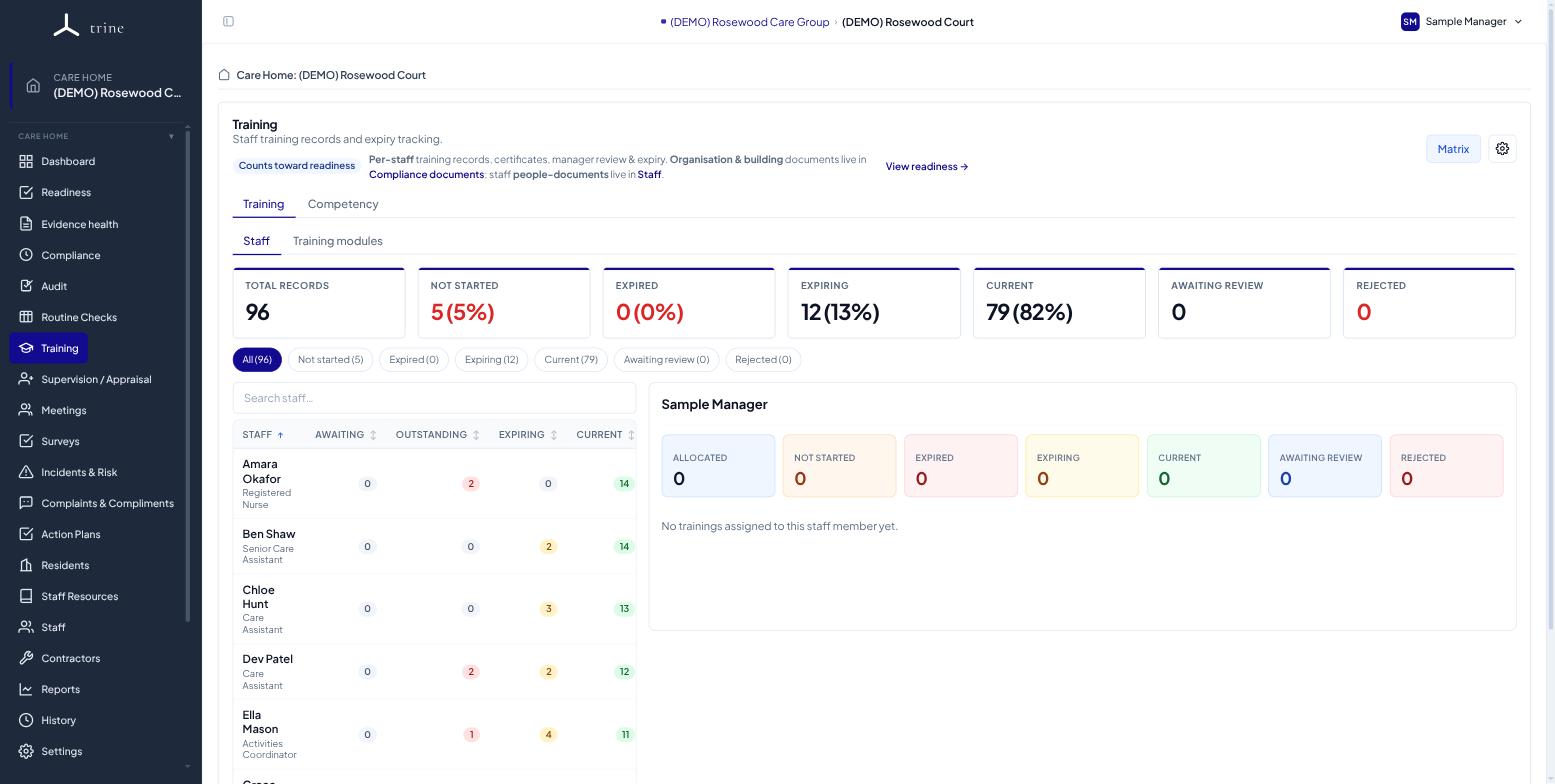
Open the Training menu inside a care home.
How to
- Each role is automatically allocated its applicable mandatory courses when a staff member joins. Use Restore defaults and Sync allocations to reconcile a home's set and back-fill existing staff.
- Upload certificates against a staff member's training records and set expiry dates; a manager signs off the review.
- Watch the matrix for expiring or missing training — reminder emails go to managers as dates approach.
Good to know
- Staff with read-only access can upload or replace certificates on their own records. These land Awaiting review and don't count toward compliance until a manager accepts them.
- Assessed, hands-on competencies are tracked separately under Competency.
Related: Competency · Supervision and appraisal